2026::IDA::A Trick for Debugging IDA Plugin
HappyIDA
Before introducing the little trick for debugging an IDA plugin, I have to mention that we recently published an IDA plugin, HappyIDA, which I built with @h3xr4bb1t and @scwuaptx.
I’ve been using it in my daily reversing work for 1~2 years. There are no complex algorithms, no timeless debugger, no symbolic execution, just a bunch of tiny features that have already sped up reversing a lot.


The screenshot shows the origin of the project and the first feature I implemented: parameter labeling. @h3xr4bb1t later made it much more powerful. The SEH highlighter was made by @scwuaptx, and the SEH rebuilder was made by @h3xr4bb1t.
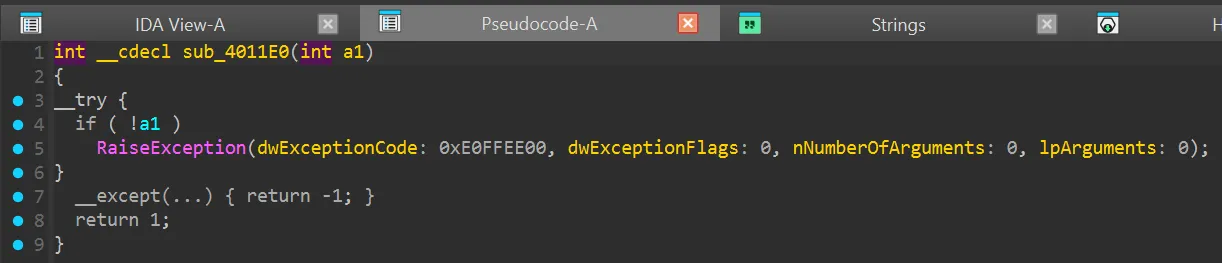
I have two favorite features in HappyIDA: Copy/Paste Name and Copy/Paste Type. They let you copy the name or type of an “item” in the Hex-Rays decompile window and paste it onto another “item.”
[Copy / Paste Name]
[Paste Type]
Implementation
It’s quite easy to implement the “Copy Name” feature, get the current view -> get the highlighted string -> save it to the system clipboard -> done!
def copy_name(self, ctx): highlight = idaapi.get_highlight(idaapi.get_current_viewer()) name = highlight[0] if highlight else None if name: copy_to_clip(name) info(f"{name} has been copied to clipboard")But “Paste Name” is a bit annoying, especially with the obscurity of the IDAPython docs. When a user wants to paste a name on a “target”, we can use the snippet below to get the selected “item” in the Hex-Rays view:
def paste_type(self, ctx): vdui = ida_hexrays.get_widget_vdui(ctx.widget) item = vdui.itemThe “item” is a ctree_item_t, something like:
Python>vdui.item<ida_hexrays.ctree_item_t; proxy of <Swig Object of type 'ctree_item_t *' at 0x0000023E500D8570> >Take while ( (int)a1->target > 0 ) for example, if we focus the cursor on target and trigger the paste snippet above, what shows up in item?
Python>vdui.item._print()'40163F: \x01(000000000000020E\x01\x18a1\x02\x18\x01(000000000000020D\x01\t->\x02\t\x01\ttarget\x02\t'You can see that even with some unknown bytes, a1->target is buried inside. That means we actually get the whole a1->target expression, not just the target variable we focused. We can access the expression in the member e of item:
Python>vdui.item.e<ida_hexrays.cexpr_t; proxy of <Swig Object of type 'cexpr_t *' at 0x0000023E500DA070> >Then what? How do we get the real target variable so we can paste the type on it? There are many possibilities, in this case we can find a1 in item.e.x and the target member offset (0x20 within the structure) in item.e.m:
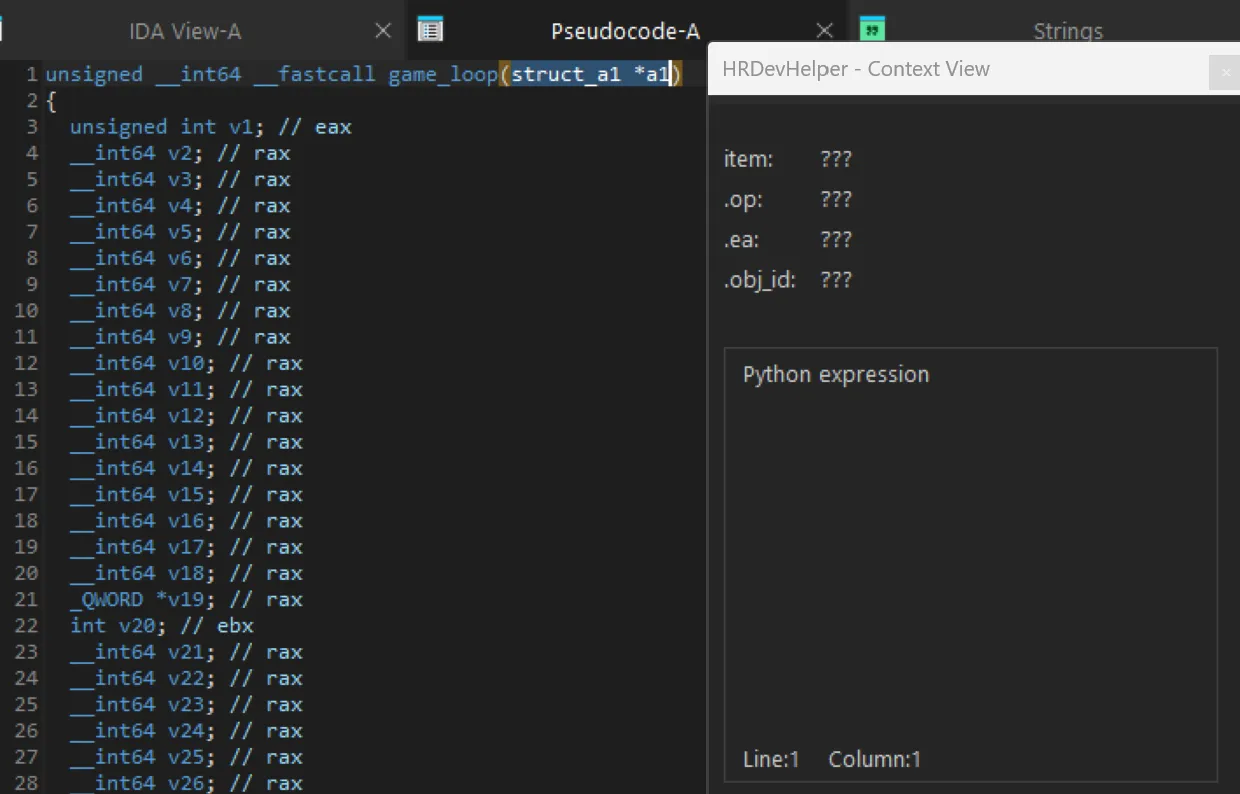
Python>item.e.x<ida_hexrays.cexpr_t; proxy of <Swig Object of type 'cexpr_t *' at 0x0000023E500DA790> >Python>item.e.x.print1(None)'\x01(000000000000020E\x01\x18a1\x02\x18'Python>item.e.m0x20But the “variable” of an expression isn’t always in x, it might be in x, y, z, a, or even v. I actually don’t know, because the docs don’t say that. I had to experiment in the Output Window to learn what each member or function does. Some people use plugins like HRDevHelper from patois to help.
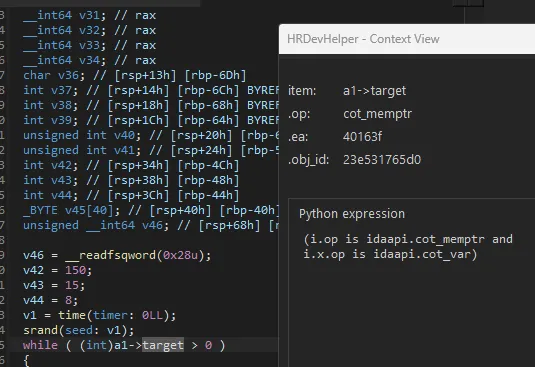
But it won’t work in some cases, for example, function parameters aren’t citem, so HRDevHelper shows nothing.
Practical IDA Debug Trick
It would be time-consuming if we could only debug inside the plugin. How do we debug the snippet below in the Output Window?
def paste_type(self, ctx): vdui = ida_hexrays.get_widget_vdui(ctx.widget) item = vdui.itemWe can use the following alternative snippet, the get_current_widget returns whatever you’re focused on in the UI:
widget = ida_kernwin.get_current_widget()vdui = idaapi.get_widget_vdui(widget)You might quickly ask, “Don’t we have to click that run button to execute the script?” So how do we get the “items” in the Hex-Rays decompile view?
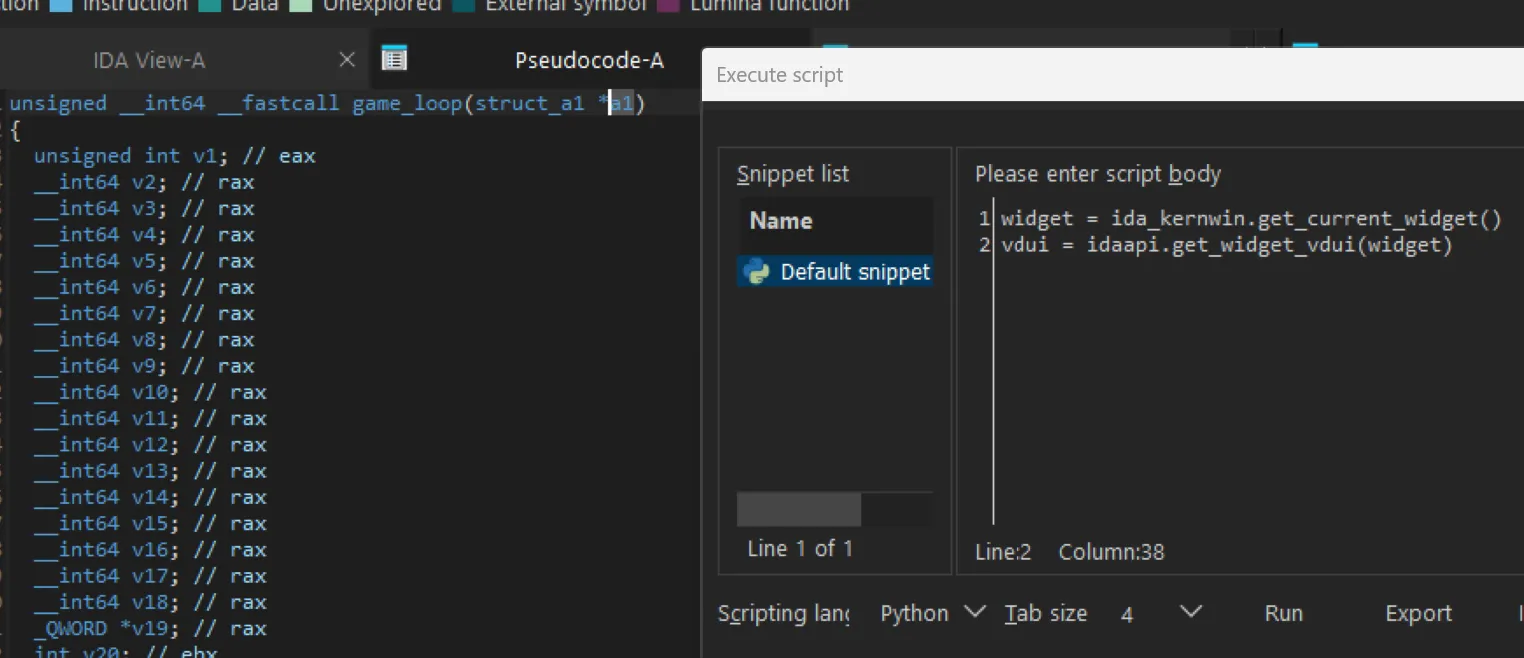
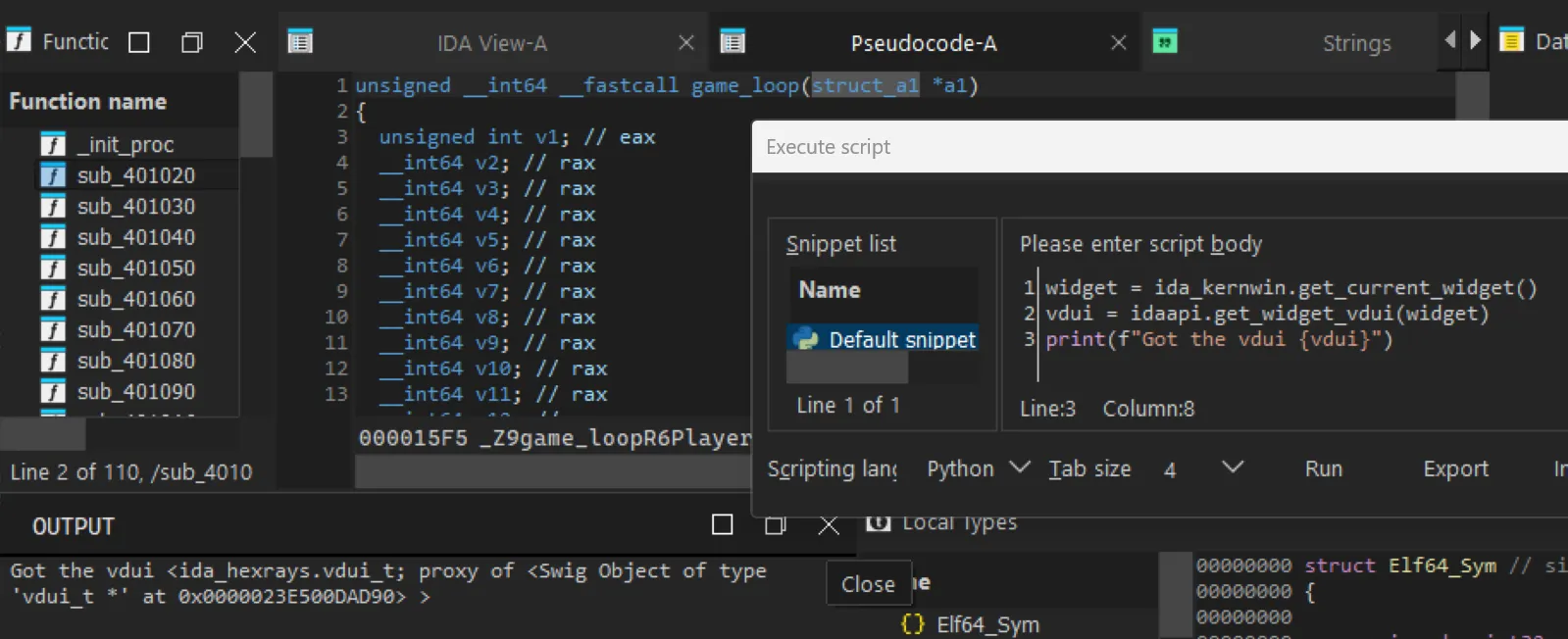
That was my first thought too. Then I found a shortcut, SnippetsRunCurrent, which runs the script when the “Execute script” window is open.

Now we can grab the item we want and explore the mystery of citem. (In case you’re curious, the function parameter is at item.l.)
Original Author: terrynini38514
Original Link: https://blog.terrynini.tw/posts/2026-IDA-Plugin-A-Trick-for-Debugging/
Publish at: January 23, 2026 at 16:30:20 (Taiwan Time)
Copyright: This article is licensed under CC BY-NC 4.0